
Canon PIXMA TS3640 (Pixma TS3640) Wireless Printer Review
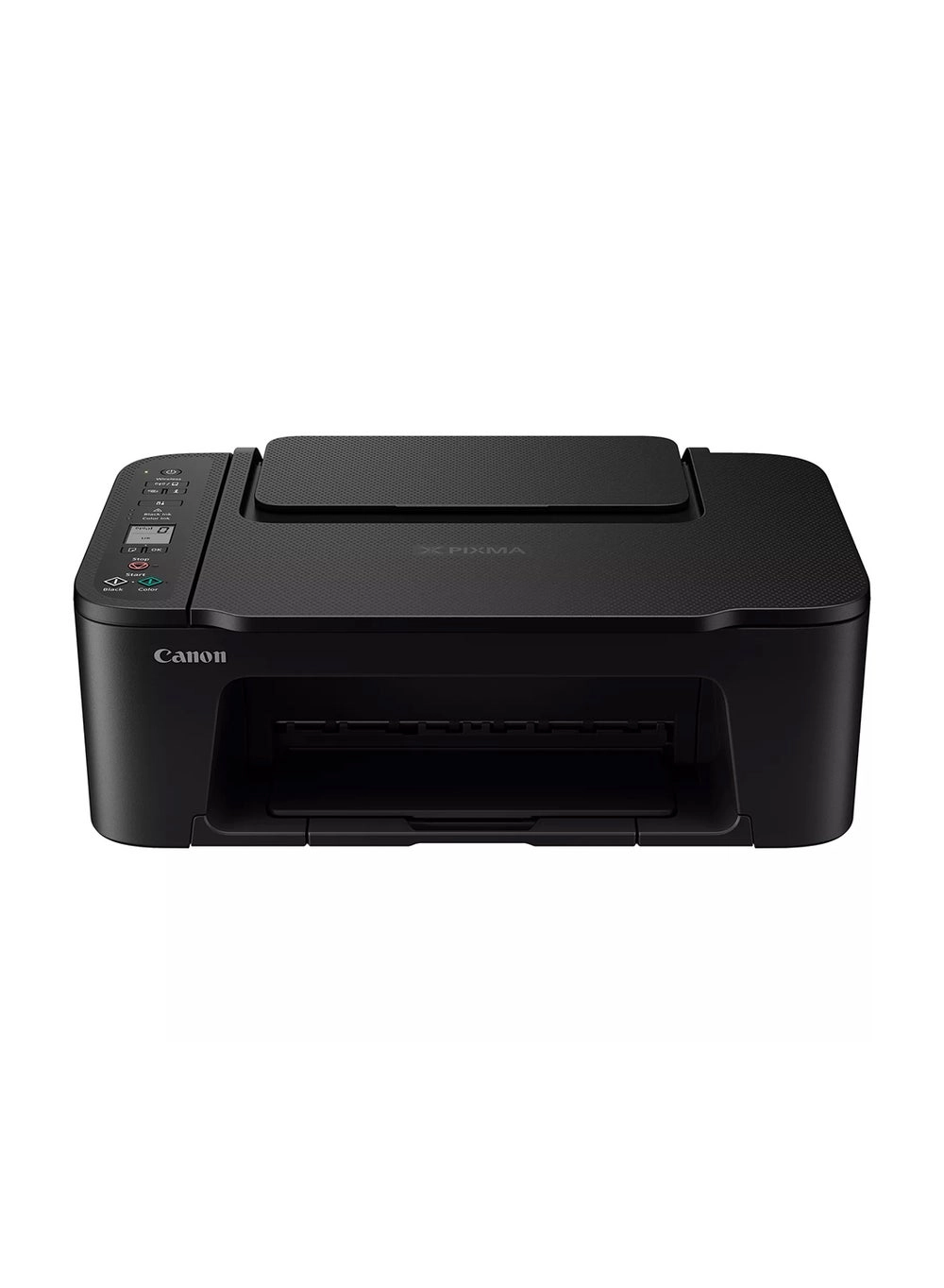
Canon PIXMA TS3640 (Pixma TS3640) Review: A Comprehensive Look
Introduction
The Canon PIXMA TS3640 is a compact, wireless all-in-one inkjet printer aimed at the home user. Promising ease of use and versatile printing capabilities, I spent several weeks putting this device through its paces to see if it lives up to the hype. This review covers setup, printing speeds, print quality, and overall usability.
Key Features
The Canon PIXMA TS3640 boasts a sleek design and a range of features aimed at simplifying the printing process. Wireless connectivity is a key highlight, allowing for seamless printing from smartphones, tablets, and laptops. The easy setup procedure is a welcome bonus, especially for less tech-savvy users. The versatile rear tray accommodates various paper types, including photo paper, magnetic photo paper, and square media, adding to its creative potential. The ability to print borderless photos up to 5×7” is also a nice touch.
| Colour Name | Black |
|---|---|
| Connection Type | Wireless |
| Printer Functions | Print, Scan, Copy |
| Model Number | Pixma TS3640 |
| Model Name | TS3640 |
Performance and Print Quality
Setting up the PIXMA TS3640 was surprisingly straightforward. The wireless connection was established quickly and without any issues. Print speeds are respectable for a printer in this price range. Printing a 4×6″ photo took approximately the advertised 65 seconds, which is acceptable for casual home use. Print quality is decent for everyday documents and photos. Colors are vibrant and sharp, although there’s a slight graininess noticeable in some images at higher magnifications. I experienced no paper jams during my testing period. Scanning and copying functionalities worked flawlessly. The scanner produced clear and crisp copies, which is a bonus when needing quick duplicates of documents.
I tested the printer with different types of paper, including glossy photo paper and matte cardstock. The results were largely consistent, although glossy photos showed slightly more vibrant colors compared to matte media. Ink cartridge replacement is straightforward, and indicator lights conveniently alert you when ink is running low. One minor point to note is that ink cartridges do not seem to last that long – the printer is using a large amount of black ink at times, however the price of replacement ink is reasonable.
Pros & Cons
- Pros: Easy setup, compact design, wireless connectivity, versatile paper tray, good print quality for everyday use, affordable ink cost.
- Cons: Slightly grainy photo prints at higher magnification, ink cartridges might need replacing quite frequently.
Final Verdict
The Canon PIXMA TS3640 (Pixma TS3640) is a solid all-in-one printer that offers great value for money. Its ease of use, wireless connectivity, and decent print quality make it an excellent choice for home users with moderate printing needs. While the print quality isn’t exceptional for professional work or high-quality photo printing, it’s more than adequate for everyday documents, school projects, or casual photo printing. Overall, it’s a user-friendly and dependable printer that delivers on its promises. I would wholeheartedly recommend it to anyone looking for a fuss-free and affordable printing solution for home use.