Epson EcoTank L3250 (L3250) Home Ink Tank Printer Review
Epson EcoTank L3250 (L3250) Home Ink Tank Printer Review
Introduction
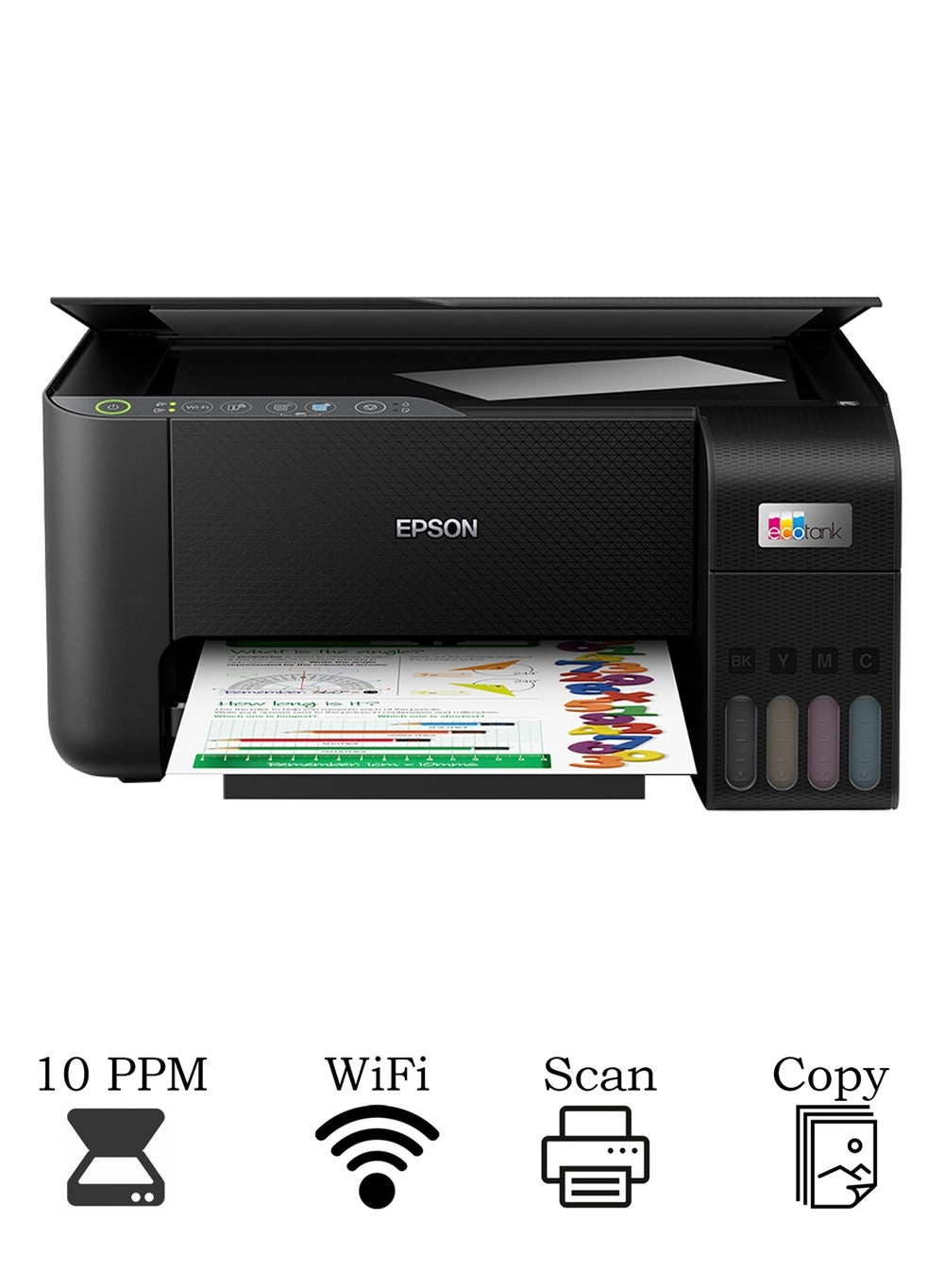
The Epson EcoTank L3250 is a budget-friendly 3-in-1 printer marketed towards home users. Promising up to three years of ink in the box, it boasts wireless connectivity and an accompanying smartphone app for seamless control. I’ve been using the L3250 for several weeks now, putting it through its paces with various printing, scanning, and copying tasks. This review will delve into my experiences, detailing its strengths and weaknesses.
Features
The L3250’s key selling point is its high-capacity ink tank system. Epson claims this provides enough ink for 8,100 black and white pages and 6,500 color pages. This is a significant advantage over traditional cartridge-based printers, saving considerable money on ink replacements over time. The wireless connectivity and Epson Smart Panel app are also welcome additions, allowing for easy setup and convenient mobile printing.
| Colour Name | Black |
|---|---|
| Connection Type | Wireless |
| What’s In The Box | Printer, Charging Chord, set of inks |
| Printer Output Type | Color |
| Printer Functions | Print, Scan, Copy |
| Model Number | L3250 |
| Model Name | EcoTank L3250 |
Performance
Print quality is generally good for everyday documents and photos. Text is sharp and clear, and color reproduction is accurate, although not as vibrant as some higher-end printers. Print speeds are acceptable for home use, although not exceptionally fast. The scanning and copying functions are straightforward and reliable. The Epson Smart Panel app is intuitive and easy to use, providing a convenient alternative to using the printer’s control panel. I experienced occasional minor connectivity hiccups with the Wi-Fi, but these were infrequent and easily resolved by restarting the printer.
I printed a variety of documents, including spreadsheets, presentations, and photographs. The printer handled them all adequately, producing good quality results across the board. I also used the scanning function to digitize several important documents, and the resulting scans were crisp and clear. Overall, the performance of the L3250 exceeded my expectations for a budget-friendly home printer. The ink tank system truly delivers on its promise of cost savings. It’s not a high-speed workhorse, but more than capable for home use and small business requirements.
Pros & Cons
- Pros: High-capacity ink tank system, excellent cost savings, good print quality, easy setup, wireless connectivity, user-friendly app.
- Cons: Print speed could be faster, occasional minor Wi-Fi connectivity issues, not ideal for professional printing needs.
Final Verdict
The Epson EcoTank L3250 (L3250) is a fantastic value-for-money printer, perfect for home use. The significant cost savings from the ink tank system outweigh the minor shortcomings, like occasional Wi-Fi issues. If you’re looking for a reliable, affordable, and easy-to-use printer for everyday needs, the L3250 is a strong contender. I highly recommend it.